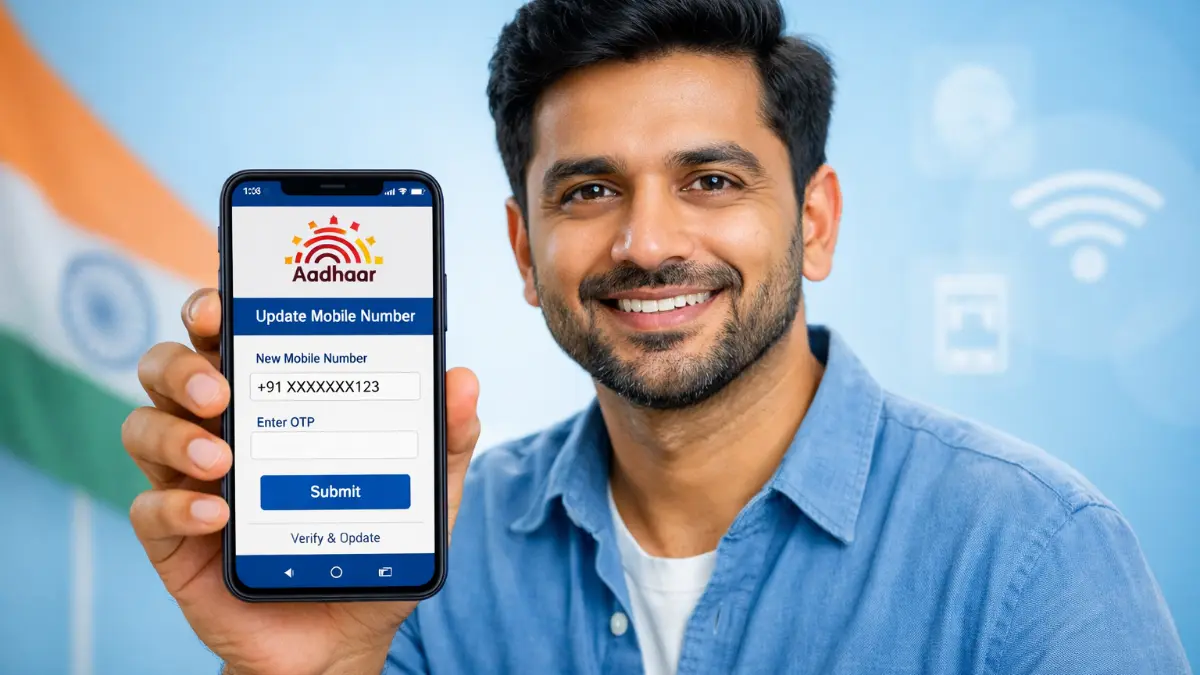
It is now very easy to update your mobile number in your Aadhaar card, that too using your mobile. Your registered mobile number is required for OTP verification in banking, PAN linking, government schemes and many online services. If your old number is lost or inoperative, you should update it in Aadhaar quickly.
Here is a write-up on how to update your Aadhaar mobile number using the official mAadhaar (Pehchaan) app and the latest methods.
What is mAadhaar (Pehchaan) App?
The mAadhaar app is the official mobile application developed by UIDAI (Unique Identification Authority of India). It allows users to carry Aadhaar digitally and access many Aadhaar services directly from their smartphone.
Key Features of the App:
- Carry Aadhaar card digitally on phone
- Available in 12+ Indian languages
- Download e-Aadhaar anytime
- Share QR code for verification
- Lock/unlock biometrics for security
- Access Aadhaar services easily
This app is available on Android and supports millions of users across India.
Important Note (Must Read)
Currently, the mAadhaar app does NOT allow direct mobile number update.
- You can update address in the app
- But for mobile number update, you need other methods
- UIDAI is planning to add this feature in future updates
However, don’t worry. There are still easy ways to update your mobile number.
Method 1: Update Mobile Number Using New Aadhaar App (Latest Method)
UIDAI has introduced a new Aadhaar app system where mobile number update can be done online with OTP and face authentication.
Steps:
- Download the new Aadhaar app from Play Store
- Open the app and login using Aadhaar details
- Select “Update Mobile Number” option
- Enter your new mobile number
- Verify using OTP
- Complete face authentication (if required)
- Pay the update fee (around ₹50–₹75)
- Submit your request
Processing Time:
- Usually takes 7 to 15 days
Method 2: Update Mobile Number at Aadhaar Center (Offline Method)
This is the most common and reliable method.
Steps:
- Visit nearest Aadhaar Enrolment Center
- Ask for Aadhaar update form
- Fill your Aadhaar number and new mobile number
- Submit form with biometric verification
- Pay small fee (₹50 approx)
- Collect acknowledgement slip
Benefits:
- No need for old mobile number
- Works even if number is lost
- Safe and verified process
Can You Update Mobile Number Fully Online?
👉 Earlier, it was not possible to update mobile number online
👉 Now, new systems and apps are slowly enabling this feature
Government is working to make Aadhaar updates fully digital for user convenience.
Why Mobile Number is Important in Aadhaar?
Your registered mobile number is required for:
- OTP verification
- Downloading Aadhaar
- PAN linking
- Bank account services
- Government schemes
- eKYC verification
Without a linked mobile number, many Aadhaar services will not work properly.
Documents Required
Good news
👉 No documents needed for mobile number update
Only required:
- Aadhaar number
- Your biometric verification (fingerprint/iris)
Tips for Easy Update
- Always use your active mobile number
- Keep Aadhaar details ready
- Double-check number before submitting
- Save acknowledgement slip
- Track update status online
How to Check Update Status
After applying, you can check status:
- Visit UIDAI website
- Enter your Update Request Number (URN)
- Click on “Check Status”
You will see whether your mobile number is updated or pending.
Common Problems & Solutions
Problem 1: OTP not coming
➡️ Check network or try again later
Problem 2: Old number lost
➡️ Visit Aadhaar center (offline method)
Problem 3: Update rejected
➡️ Re-apply with correct details
Final Conclusion
Here we have told you a very simple way to easily update your Aadhaar mobile number. Now you need to pay attention to whether you need to change the mobile number linked to your Aadhaar number.
- Use new Aadhaar app for online update (if available)
- Visit Aadhaar center for guaranteed update
- mAadhaar app is useful but currently limited for updates
Always keep your Aadhaar mobile number active to avoid problems in banking and government services.